Every time I run a Copilot for Excel workshop, there’s one question that always comes up: “How can I make Copilot remember my prompts so it can do my weekly reports automatically?” Short …

How to understand the modern Excel AI stack
A client recently asked me to give a kind of “state of the union” talk on Excel and its growing AI stack. And honestly, it’s not wrong to call it messy. There are so many new pieces floating around. …
Continue Reading about How to understand the modern Excel AI stack →
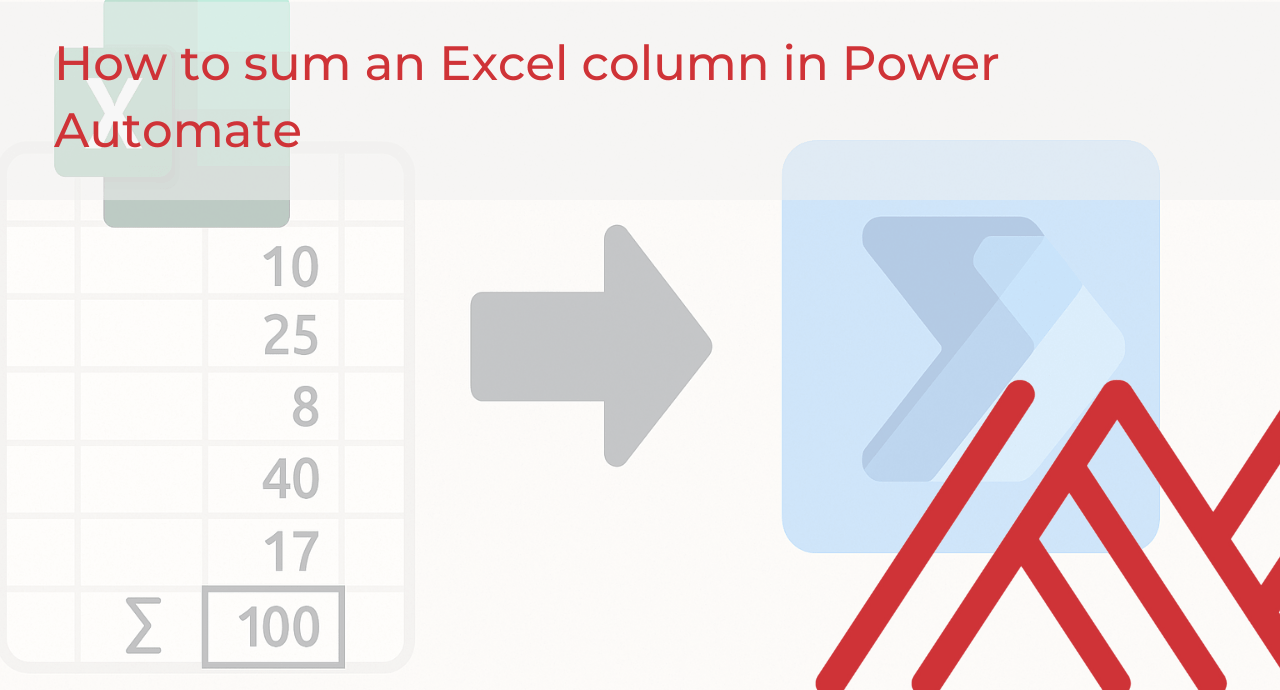
How to sum an Excel column in Power Automate
As Excel users, we know our data doesn't always just stay in Excel. We often want to push it out, maybe to send totals in an email, post updates to Teams, or trigger a notification when spending …
Continue Reading about How to sum an Excel column in Power Automate →

How is AI changing Excel training?
For decades, Excel training meant formulas, charts, and PivotTables. Now, learners open Excel and see a Copilot icon in the ribbon, a Python cell, or an automated workflow running in the background. …

How to choose between Copilot, Agent Mode, and Copilot Studio in Excel
Microsoft keeps expanding what Excel can do with AI. First came Copilot, then Agent Mode. At the same time, Copilot Studio and Agent Flows are entering the picture. The result is powerful but also …
Continue Reading about How to choose between Copilot, Agent Mode, and Copilot Studio in Excel →

How to get detailed Excel help with Copilot Notebooks
Something I frequently hear as an Excel and AI trainer is that "ChatGPT is better than Copilot in Excel." This frustrates me for a couple reasons. First, it's really an apples-to-oranges comparison. …
Continue Reading about How to get detailed Excel help with Copilot Notebooks →